
A 3D model is a digital object made of a mesh (vertices, edges and faces) plus materials and textures. You can make one by modeling it in software like Blender, scanning a real object, generating it from an image with AI, or starting from a licensed model, then exporting it as GLB for AR.
Also known as: 3D modeling, 3D mesh, make 3D art, create 3D model
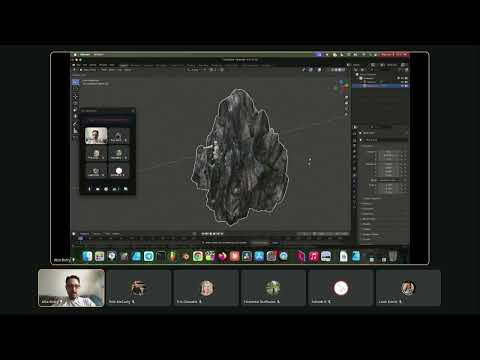
How it works
Modeling gives the most control; photogrammetry and LiDAR scanning capture real sculptures; AI image-to-3D is fastest for rough forms. Whatever the method, finish by cleaning the mesh, adding materials, checking scale and exporting GLB.
How it works in illust
You don't need 3D to start on illust (images, video and audio work too). When you do, upload a .glb under 30MB. AI generators such as Meshy and Tripo export GLB directly, and illust's creative services team can also build 3D assets for you.
Key facts
- Blender is free and exports GLB natively.
- AI 3D generator Meshy exports GLB, alongside FBX, OBJ, STL, USDZ and 3MF (Meshy docs).
- GLB is the default export format in Tripo, another AI 3D generator (Tripo).
Watch

Related videos
- #blender Duplicate Object Trick Simple Shift+D Escape!
- 3D Object Views in #blender, Master Orthographic & Flat Views
- Master 3D Movement in #Blender Lock Axes for Precision
- Master 3D Modeling: Grab Vertices Like a Pro in #blender3d !
- Seamless 3D Modeling + #Blender Sculpting Secrets Revealed!
- Mastering 3D rotations on #Blender: Z, X, & Y-axis.
- Navigate 3D models with hot keys in #blender
FAQ
Do I need 3D to make AR art?
No. Many AR works are 2D images, animation or video placed in space.
What's the quickest route to a 3D model?
Scan a real object with a phone app, or try an AI image-to-3D tool, then clean it up in Blender.